
AI is best at the repetitive parts of wedding planning: sorting, drafting, reminding and comparing. It is not best at reading a room, calming a parent, or deciding what feels right for your day.

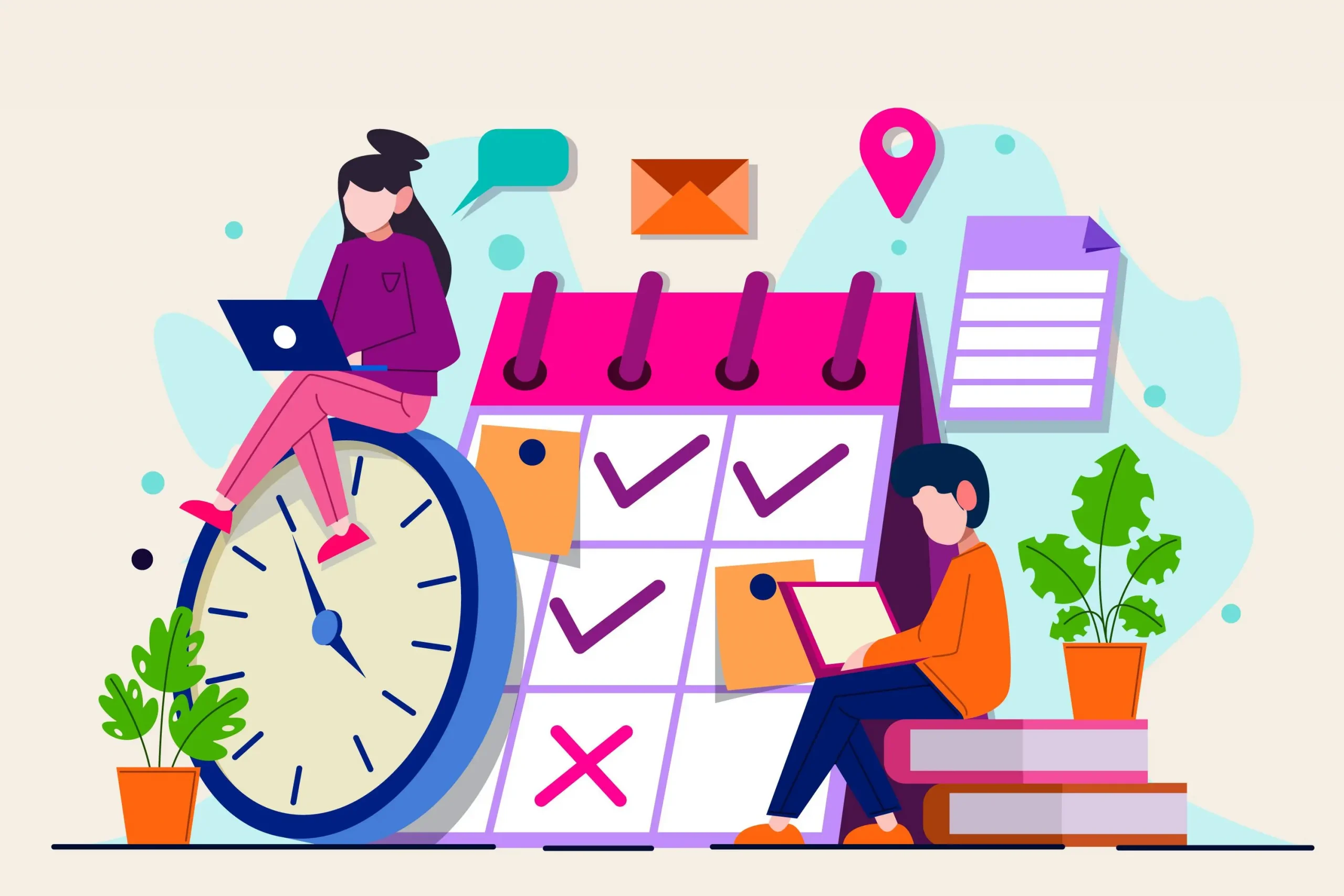
Planning a wedding used to mean a wall calendar, six spreadsheets and at least one late-night panic about whether you forgot Uncle Mark’s plus-one. In 2026, couples are using AI to take some of that pressure off. Not to replace judgment. Not to make the wedding feel robotic. Just to handle the repetitive parts faster so you can focus on the decisions that actually shape the day.
If you’re balancing work, vendor calls and family opinions, the appeal is obvious. AI can help you draft timelines, compare budgets, organize guest data, and even build seating suggestions in minutes. The trick is knowing which tools are genuinely useful and which ones just add another app to your already crowded planning life.
What AI is actually good at in wedding planning
The best AI tools do one of four things well:
- Organize messy information
- Draft first versions of tasks and messages
- Spot patterns you might miss
- Save time on admin work
That means AI is especially useful for the parts of wedding-planning that are more logistics than emotion. For example, if you have 180 guests and a few tables need reshuffling after two late RSVPs, a tool can suggest a workable layout much faster than doing it by hand.
What it should not do is make final calls for you. A wedding has too many human variables for that. Family dynamics, cultural customs, accessibility needs, and personal taste still belong with you.
15 smart tools couples are using in 2026
Here are 15 practical AI or AI-assisted tools worth knowing, grouped by what they actually help with.
1. DreamWedds for the wedding website and guest communication
A wedding website is still one of the smartest planning tools because it reduces repeat questions. Couples use it to share schedules, travel notes, dress codes, registry links and RSVP updates in one place.
For instance, if your ceremony starts at 4 p.m. and your reception has a shuttle from the hotel, your website can carry that information so you are not texting the same details ten times. You can learn more about why every couple needs a wedding website in 2026 in our detailed guide.
2. ChatGPT for drafts, checklists and planning prompts
Used well, ChatGPT is like a fast assistant for first drafts. Couples use it to:
- Build a planning checklist by month
- Draft vendor inquiry emails
- Rewrite a wedding-day timeline in plain language
- Brainstorm table names, signage copy or welcome note wording
The key is to treat the output as a draft. You still need to verify dates, pricing and anything vendor-specific.
3. Google Gemini for quick comparisons and summaries
Gemini is useful when you want to compare options or summarize long information quickly. For wedding-planning, that can mean reviewing venue policies, contract notes or travel details you have copied into a document.
It is especially handy when one partner is doing the research and the other just wants the short version.
4. Microsoft Copilot for timeline and document support
If you already use Microsoft 365, Copilot can help turn scattered notes into a usable schedule, checklist or vendor comparison table. It works well for couples who keep all planning docs in Word or Excel.
5. Notion AI for master planning hubs
Notion AI is popular for couples who want one central place for everything: budget, vendors, guest list notes, deadlines and inspiration. It is not wedding-specific, but that is part of its strength. You can build your own planning dashboard around your own priorities.
6. Airtable AI for guest lists and logistics
Airtable is excellent for structured planning. If you are managing meal choices, RSVPs, seating, transport and hotel blocks in one system, it keeps everything sortable.
This is one of the best tools for larger weddings, especially when multiple family members are helping.
7. Trello with automation for task management
Trello helps couples break wedding-planning into stages: book venue, confirm florist, send invitations, finalize seating chart. With automation, you can move cards, set reminders and reduce the “Did we already do that?” problem.
8. Google Sheets with AI assistance for budgeting
A simple spreadsheet still beats a fancy app if you want control over every line item. AI features in modern spreadsheet tools can help categorize spending, flag overruns and summarize totals.
That matters because wedding budgets often drift in small increments: one extra upgrade here, one shipping fee there, one last-minute print order somewhere else. For more tips on managing wedding finances effectively, see our post on mastering marriage finances.
9. Honeybook or similar CRM tools for vendor communication
Couples working with multiple vendors often use client-management tools to keep messages, invoices and dates in one place. AI features can help summarize conversations and surface next steps.
That does not replace reading your contract. It just makes it easier to stay organized.
10. Canva Magic Design for invitations and wedding signage
Canva’s AI tools are useful for quick mockups of invitation suites, menus, welcome signs and seating charts. If you are still deciding between modern serif typography and something softer and romantic, it is easy to compare drafts before you print.
11. Grammarly for polished emails and wording
For couples writing dozens of small messages — to guests, vendors, families, or the wedding party — Grammarly can help smooth the tone and catch errors. It is especially useful when you want something warm but concise.
12. Otter or similar transcription tools for vendor calls
If you take notes during venue walkthroughs or planning calls, transcription tools can save you from re-listening to recordings later. This is practical when you are comparing catering minimums, setup windows or load-in rules.
13. Seating chart builders with smart grouping
Several planning platforms now use AI-assisted guest grouping to suggest seating based on households, relationships and shared interests. These tools are not perfect, but they can help you identify awkward placements before they become a problem.
14. Travel-planning AI for out-of-town guests
If you have many traveling guests, AI trip-planning tools can help you organize airport options, hotel suggestions and weekend schedules. This is especially helpful for destination weddings or celebrations where the welcome dinner, ceremony and brunch are spread across several days.
15. Photo curation and album tools
After the wedding, AI-assisted photo tools can help sort images, highlight the best shots and group similar photos. That saves time when you are building an album or choosing images for thank-you cards.
Where AI saves money — and where it does not
AI can save money indirectly by helping you avoid rushed decisions. A clearer budget sheet can stop duplicate purchases. A cleaner guest list can reduce printing waste. A better seating chart can lower the risk of a last-minute table rework.
But it will not magically cut a venue quote or negotiate a florist’s minimum. That still comes down to timing, vendor fit and local market conditions. In major cities, wedding-planning costs can be noticeably higher than in smaller towns, and peak season often changes pricing too.
A useful rule: let AI handle organization, not bargaining.
What couples still need to do themselves
Here is the human part that no tool can fully replace:
- Choosing the tone of the day
- Handling sensitive family decisions
- Checking vendor contracts line by line
- Making design choices that reflect your taste
- Deciding when to keep things simple
A tool can suggest that 12 people should sit near the dance floor. It cannot tell you whether your grandmother should be closer to the exit, or whether your best friend needs to be beside you because they will keep you calm.
That’s the difference between automation and real planning. For advice on managing family dynamics and sensitive decisions, see our article on dealing with in-laws and establishing family boundaries.
A simple way to use AI without losing control
If you want to try AI without turning your wedding into a tech project, start small:
- Use one central planning hub for everything.
- Let AI draft lists, emails and timelines.
- Check all dates, prices and policies yourself.
- Keep one final master document that only you control.
- Review anything guest-facing before it goes live.
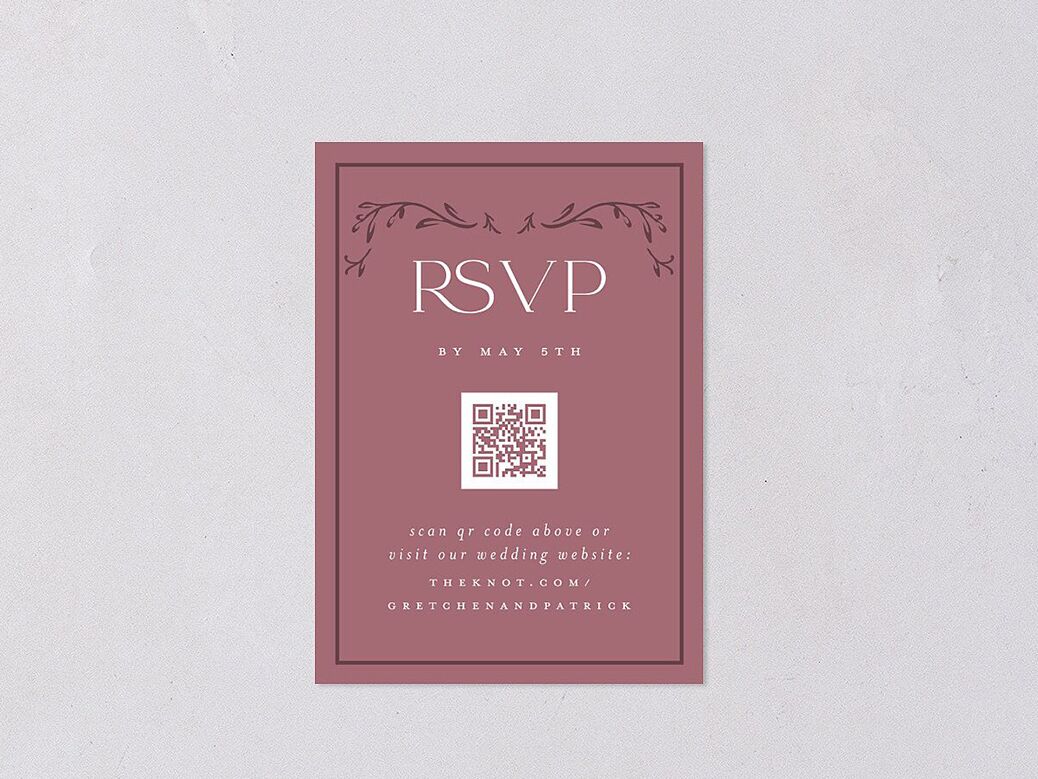
A good example: use AI to draft your RSVP reminder, but rewrite the final version in your own voice so it sounds like you, not a script.
The smartest balance for 2026 couples
The best wedding-planning workflow in 2026 is not fully automated. It is selective. Let technology handle the admin, the sorting and the first draft. Keep the emotional calls, visual decisions and family conversations in human hands.
That balance is what saves time without making the day feel generic.
If you are just getting started, choose one tool for communication, one for budget tracking and one for your master checklist. That alone can remove a surprising amount of stress. And if you want a cleaner way to keep guests updated while everything else is moving, build your planning hub on DreamWedds and keep the rest of your system simple.
Plan your wedding on DreamWeddsReferences



-
-
 What to include in my Wedding Website
Dream Wedds
-

-

-

-

-

-
-

-
 Effective Natural Skincare Remedies to Reduce Pore Size
DreamWedds Team
-

-

-
-
-
 The Ultimate Guide to Achieving Long-Lasting Bridal Makeup
DreamWedds Team
-

-
-
-

-

-
-
 The Importance of a Bridal Makeup Trial for Your Wedding Day
DreamWedds Team
-

-
 Virat & Anushka: A Fairytale Wedding to Remember!
Yashashvi Mathur
-

-

-
-
-
 A Guide to Health, Wellness post Marriage
Saujanya Bose
-

-
-

-

-

-
-

-

-
-
-

-

-
 Health and Wellness for Brides and Grooms
DreamWedds
-
 Elevate Your Haldi and Mehandi Ceremony Glam
Neeraj Singh
-

-

-
-
 Makeup Basics: Essential Cosmetics Every Beginner Should Own
DreamWedds Team
-
 The Ultimate Wedding Planning Checklist for Indian Weddings
Simranpreet Singh
-
 Selecting the Perfect Foundation Shade: Your Ultimate Guide
DreamWedds Team
-

-

-

-
-

-

-

-

-
-
 Personal Space: The Key to a Healthy and Balanced Marriage
DreamWedds Team
-
-
-

-

-
-
 How Engagement Party should be celebrated
Leonard Bernstein
-

-

-
 Fade Dark Spots: Natural Remedies and Tips for Clearer Skin
DreamWedds Team
-

-
-

-

-

-

-
-
:max_bytes(150000):strip_icc()/Kitzcornermedium-c9abd848ea634040a06bb6db8b8a7304.jpg)
-